
Someone just added a product to their cart on your Shopify store. They were so close to buying. And then they left.
This happens all the time. Research by the Baymard Institute shows that about 70% of online shopping carts are left before the purchase is finished. That is a lot of lost sales every day.
The good news is that you can bring many of those shoppers back. Web push notifications are one of the best ways to do it.
What Is Cart Abandonment, Really?
Cart abandonment is when a shopper adds items to their cart, or reaches the abandoned checkout page, but does not complete the purchase.
Sometimes they got distracted. Sometimes they wanted to compare prices. Sometimes their phone rang. Most of the time, they did not leave because they changed their mind. Something else simply took their attention.
That means you have a real chance to win them back, if you reach them at the right time.
Why Push Notifications Work So Well for Cart Recovery
You might already send cart recovery emails. Emails work well, but they have one problem: you can only send them if the shopper gave you their email address.
Push notifications work differently. When a visitor clicks “Allow” on your notification prompt, they become a subscriber. No email or phone number needed. That means you can reach anonymous shoppers you would otherwise lose for good.
Here is why push notifications are especially powerful for cart recovery:
They are fast. A push notification can reach the shopper’s screen soon after they leave, while they still remember the product.
They are hard to miss. The message appears right on their browser, desktop or mobile. Unlike an email buried in an inbox, a push notification is right there in front of them.
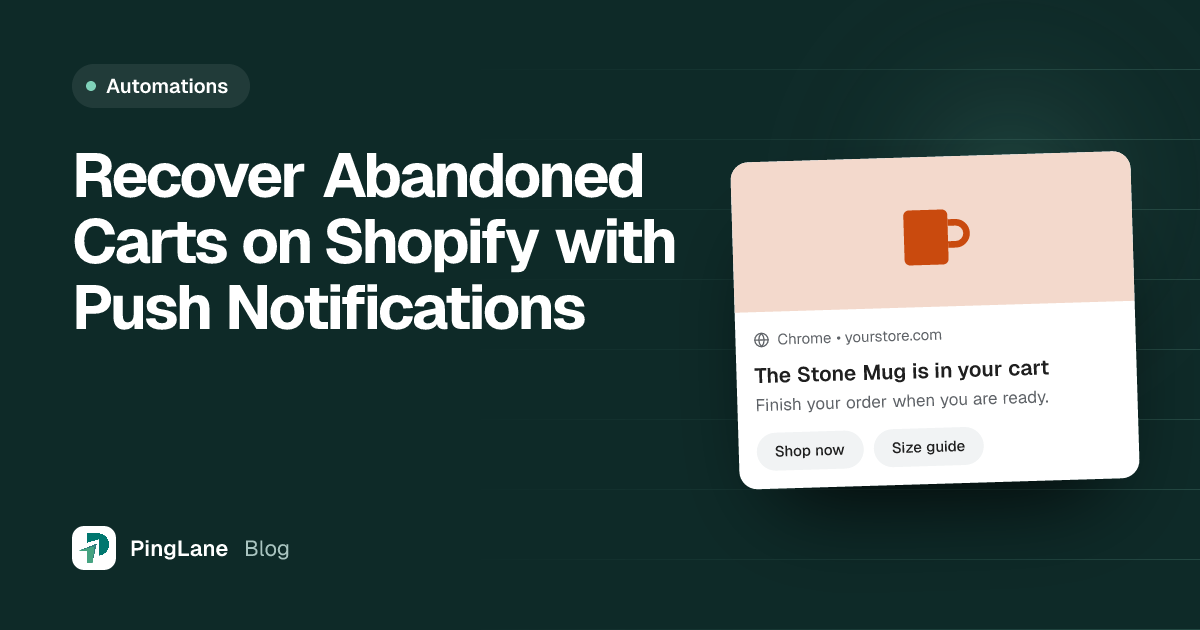
They are short and clear. You do not need a long message. A simple “You left something behind” with a link back to the cart is often enough.
How Cart Recovery Push Notifications Work on Shopify
Here is the simple flow:
- A visitor comes to your store and clicks “Allow” on the push notification prompt. They are now a subscriber.
- They browse your store, add something to their cart, and then leave without buying.
- PingLane notices the cart was left behind and sends a reminder automatically.
- The shopper sees the notification, clicks it, and lands right back on their cart page.
- They complete the purchase.
The whole process is automated. You set it up once, and it runs on its own in the background.
Good to know: if you also use browse reminders, PingLane stops them as soon as the shopper adds something to their cart. The shopper then gets cart recovery messages instead, so they do not get two kinds of reminders at once.
With PingLane, you can send a series of cart recovery notifications, not just one. When you install PingLane, the series is already set up like this:
- First notification: 20 minutes after the shopper leaves: “🛒 [Product name] in cart”
- Second notification: 2 hours after the first: “⏳ Still interested”
- Third notification: 2 days after the second: “🔥 Finish your order”
You can change the words, the timing, and the number of messages.
Each message gives the shopper one more chance to come back.
Writing a Cart Recovery Notification That Actually Works
The message does not need to be clever. Keep it simple and direct. These things help:
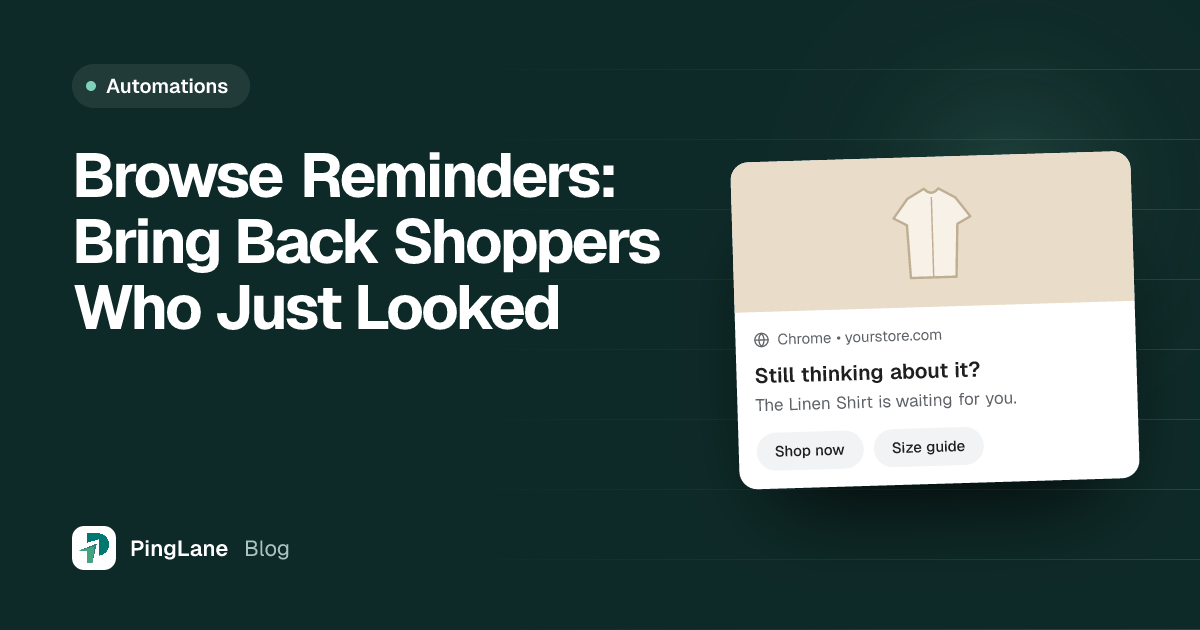
Use the product name. “Your Linen Shirt is waiting” feels more personal than “You left something in your cart.”
Give a reason to act now. Phrases like “selling fast” or “only a few left” help, but only use them when they are true.
Keep it short. You have room for only about 10 words in the message, so choose each word carefully.
Link straight to the cart. Do not send shoppers to the homepage. Take them right back to their cart, so finishing the order is easy.
Common Mistakes to Avoid
Sending too many notifications. About three reminders over two days is reasonable. Five notifications in one day will make people unsubscribe.
Sending them too late. The first notification should go out within an hour of abandonment, while the shopper is still thinking about the product.
Using general messages. “You left something behind” is fine, but a message with the product name usually works better.
No clear next step. The notification has one job: to bring the shopper back to their cart. Keep the message and the button focused on that.
Frequently Asked Questions About Cart Recovery Push Notifications
What is a good cart abandonment rate for Shopify stores?
Across online stores, about 70% of carts are left before checkout. If your store is above that, check your checkout steps as well as your cart reminders.
Do push notifications work better than email for cart recovery?
They work differently. Email needs an address, which most visitors never give you. Push notifications work for any subscriber, including anonymous visitors. Many stores use both together.
How soon should I send the first cart recovery notification?
Within an hour of the shopper leaving. PingLane sends the first one after 20 minutes by default. The sooner you follow up, the more likely the shopper still remembers the product.
Can I send cart recovery push notifications without a developer?
Yes. With a Shopify app like PingLane, you set everything up in a dashboard, with no code. Once it is set up, it runs on its own.
How many cart recovery notifications should I send?
Two or three notifications over about two days is a good start. PingLane’s default is 20 minutes, then 2 hours later, then 2 days later. Change it based on how many people unsubscribe and how many come back to buy.
Start Recovering Your Abandoned Carts Today
Carts left behind are one of the biggest causes of lost sales for any Shopify store. They are also one of the easiest problems to fix with the right tool.
Web push notifications let you reach shoppers the moment they leave, even if they never gave you their email. A simple reminder at the right time is often enough to bring them back and complete the sale.
If you are not already recovering abandoned carts with push notifications, now is a good time to start. Try PingLane for free and see how many sales you can win back.