
A shopper visits your Shopify store, looks at a few products, and leaves without buying. You do not know who they were. You have no email address and no phone number. But what if you could still send them a message the next day, like “The sneakers you looked at are selling fast!”?
Browser push notifications let you do exactly that. This guide explains what they are and how they work.
So, What Exactly Is a Push Notification?
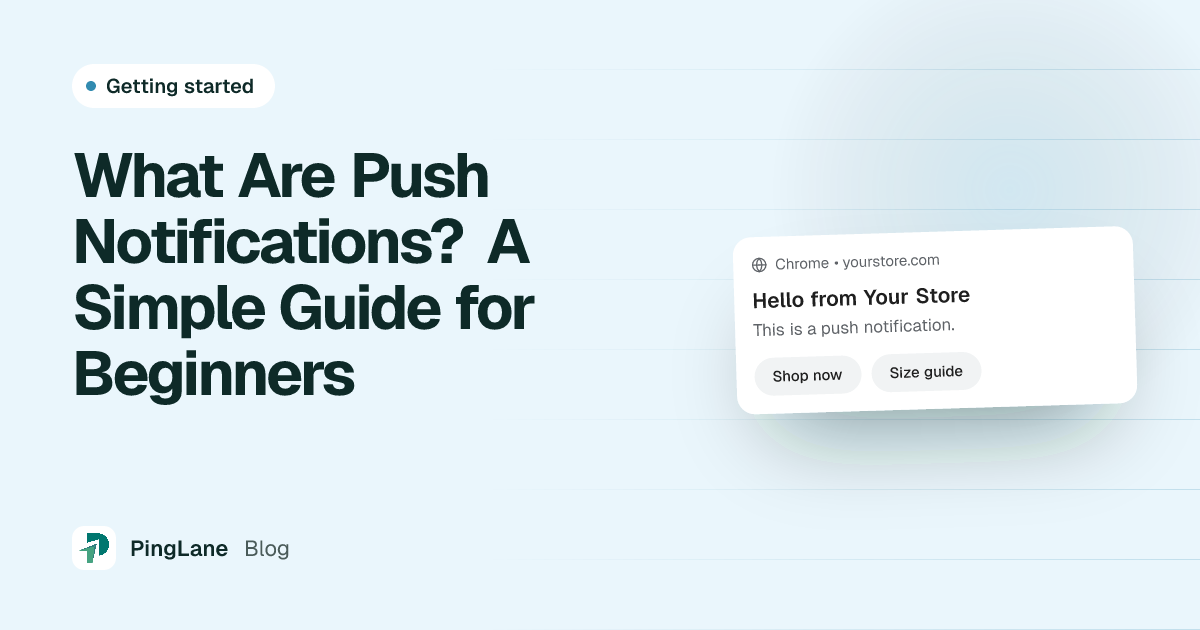
A push notification is a short message that appears on a person’s screen. They can click it to open your store. It shows up even when your website is closed.
The message comes through the web browser, such as Chrome, Firefox, Edge, or Safari. It works on computers and on phones. The shopper does not need to install an app. They only click “Allow” when your store asks, and they become a subscriber.
This is the most useful part: push notifications let you reach visitors who never gave you their email or phone number. Most stores lose these shoppers for good. With push notifications, you have a way to bring them back.
How Do Push Notifications Actually Work?
It takes three steps.
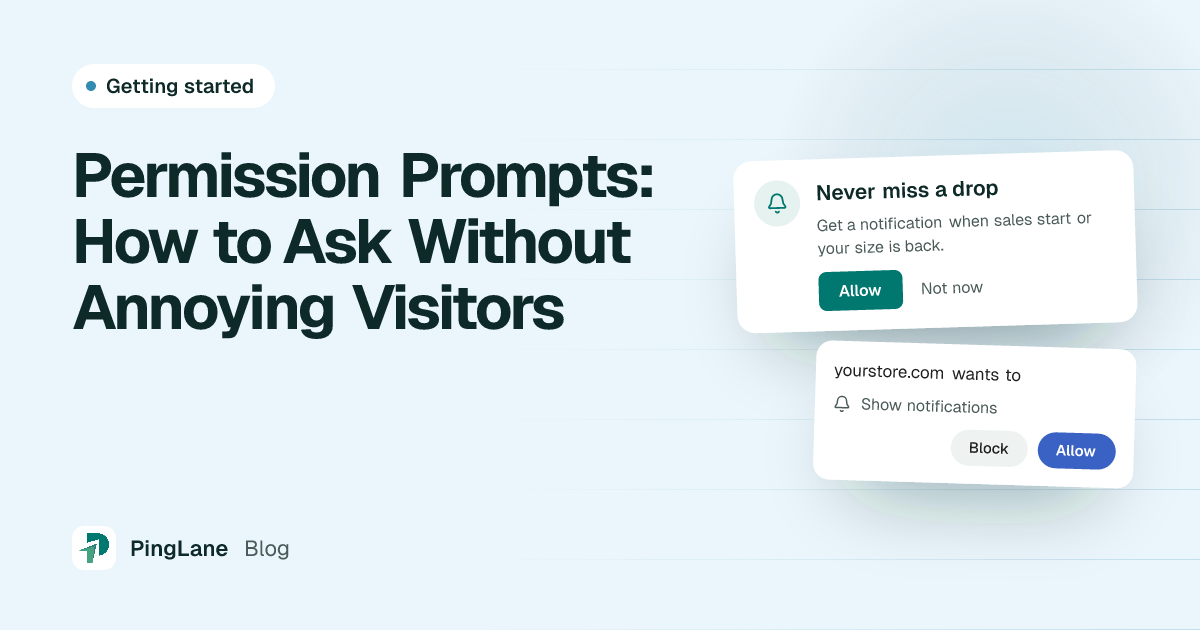
Step 1: The visitor says yes. When someone visits your Shopify store, a small message asks if they want to get notifications. With PingLane, you can change how this message looks so it matches your store. If the visitor clicks “Allow”, they become a subscriber right away.
Step 2: You write and send a message. In your PingLane dashboard, you write a short message with a title and some text. You can add an image and a link. You can send it now or plan it for later.
Step 3: The message appears on their screen. The notification shows on the subscriber’s computer or phone, even if your store is closed. When they click it, they go straight back to your site.
There is no app to download, no email inbox to compete with, and no phone number needed.
Why Should Shopify Store Owners Care?
Most people who visit a Shopify store leave without buying, and many never come back. These people were interested in your products, but you had no way to contact them. Push notifications give you a way to reach them again.
They are fast. An email can sit unread for hours. A push notification appears on the screen within seconds. This makes it a good fit for short sales and offers that end soon.
They are hard to miss. A push notification appears on the screen itself, not in a full inbox, so shoppers notice it even when they are busy with something else.
They are easy to set up. You do not need a developer. With PingLane, you can install the app and send your first notification in a few minutes.
They reach shoppers who are not on your store. A subscriber does not need to have your store open. The notification still reaches their browser.
What Kind of Messages Can You Send?
Push notifications are not only for sales. With PingLane, you can send messages that go out on their own, and messages you send yourself:
Welcome notifications: When a visitor subscribes, PingLane sends them a welcome message right away. You can add more messages after it, each with its own delay, to introduce your store and products.
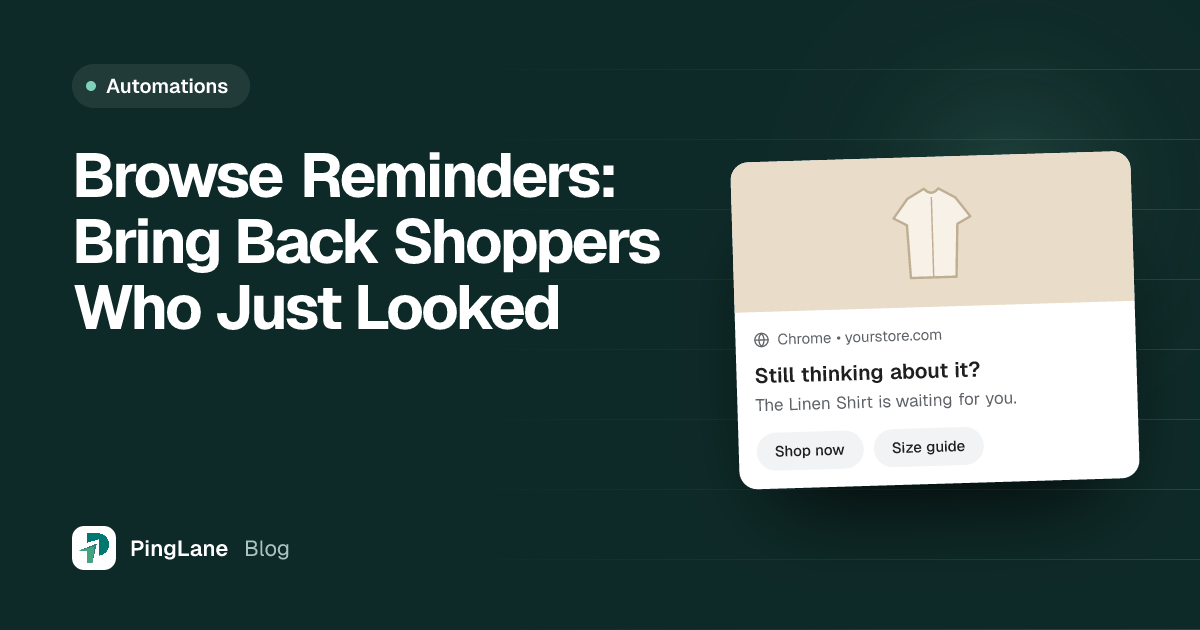
Browse reminders: When a subscriber looks at a product and leaves without doing anything, PingLane sends them a few reminders to bring them back. For example: “Still thinking about those sneakers? They are going fast!”
Cart recovery: When a subscriber adds a product to their cart and leaves without paying, PingLane sends reminders to bring them back to finish the order. This is one of the best ways to win back lost sales.
Price drop alerts: A subscriber can ask to be told when a product gets cheaper. When the price goes below what it was when they asked, PingLane sends them a notification right away.
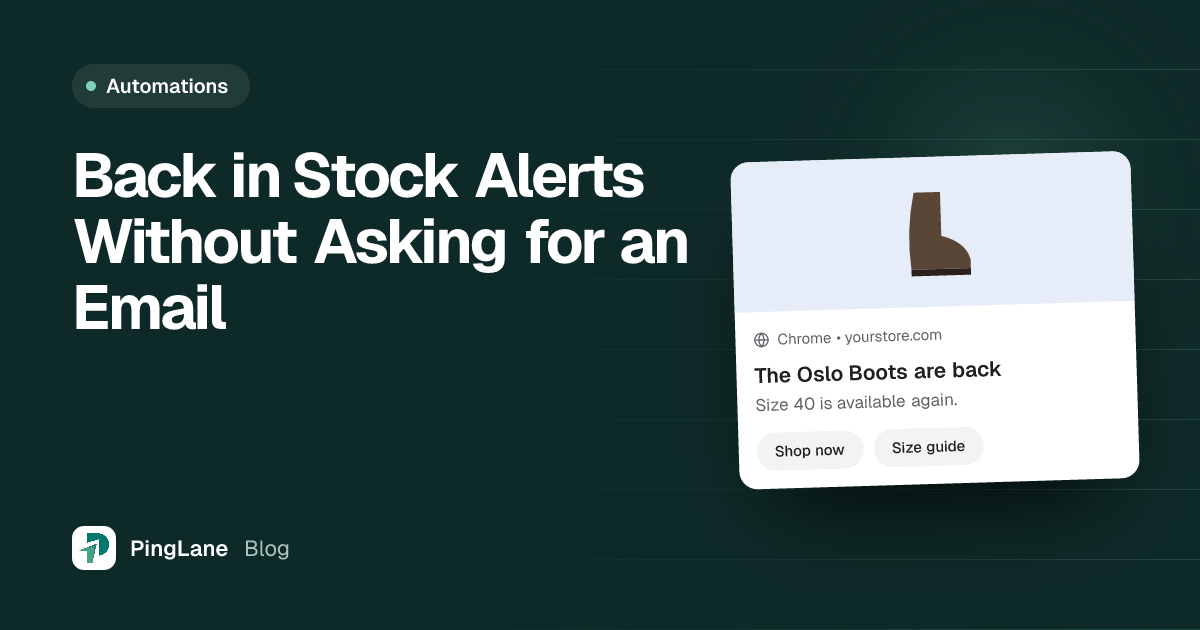
Back in stock alerts: A subscriber can ask to be told when a sold-out product returns. PingLane sends them a notification as soon as it is available again.
Campaigns: You can also send one message to all your subscribers, or to a group of them, for a new product, a seasonal sale, or any other news.
Who Can Receive These Notifications?
Push notifications work in Chrome, Firefox, Edge, and Safari, on computers and on phones. When a visitor opens your store in one of these browsers and clicks “Allow”, they become a subscriber.
On iPhone and iPad, there is one extra step. The shopper first adds your store to their Home Screen, and then they can allow notifications. PingLane shows them how to do this.
Remember: push notifications come through the browser, not through an app. Your visitors do not need to download anything.
Getting Started with PingLane
You can set up push notifications for your Shopify store in a few minutes:
- Sign up for PingLane and install the PingLane app from the Shopify App Store.
- Change your opt-in prompt so it matches your store. Choose which pages, countries, or devices it shows on.
- Set up your automations, such as welcome notifications, cart recovery, and browse reminders.
- Send your first campaign from the PingLane dashboard.
- Watch your subscriber list grow, and see clicks and sales in your reports.
That is all. You do not need to be a developer or a marketing expert. If you can write a text message, you can send a push notification.
Wrapping Up
Many Shopify stores do not use push notifications yet. They let you reach the visitors that every store loses each day. They are fast, they appear right on the screen, and they do not compete with a full email inbox.
If you want a simple way to bring back lost shoppers and grow your sales, push notifications are worth trying. Get started with PingLane in a few minutes.